Final Image Size & Resolution From Our Scans
Wondering what you actually receive? Our standard 35mm slide scans deliver about 5256 × 3544 pixels (≈18.6 megapixels) saved as high-quality JPG (quality 12). Smaller paper photos are scanned at 600 ppi—ideal for quality printing and sharing.
What do you end up with after your 35mm slides are scanned? What will your final image sizes be?
Your 35mm slides will be scanned so that your final image is effectively a 6″ × 4″ image at ~900 ppi, which equals 5,256 × 3,544 pixels (≈18,627,264 pixels or about 18.6 megapixels). File size will vary from approximately 4 MB to 10+ MB depending on image content and compression.
HD TV
1,920 × 1,080 pixels
Our Scans
5,256 × 3,544 pixels
Your paper photos that are smaller than 5×7″ are scanned and saved at 600 ppi. 600 ppi is considered high resolution for printing—labs can often make enlargements up to roughly 3× the original size with good results. See some examples of sample scans at different resolutions.
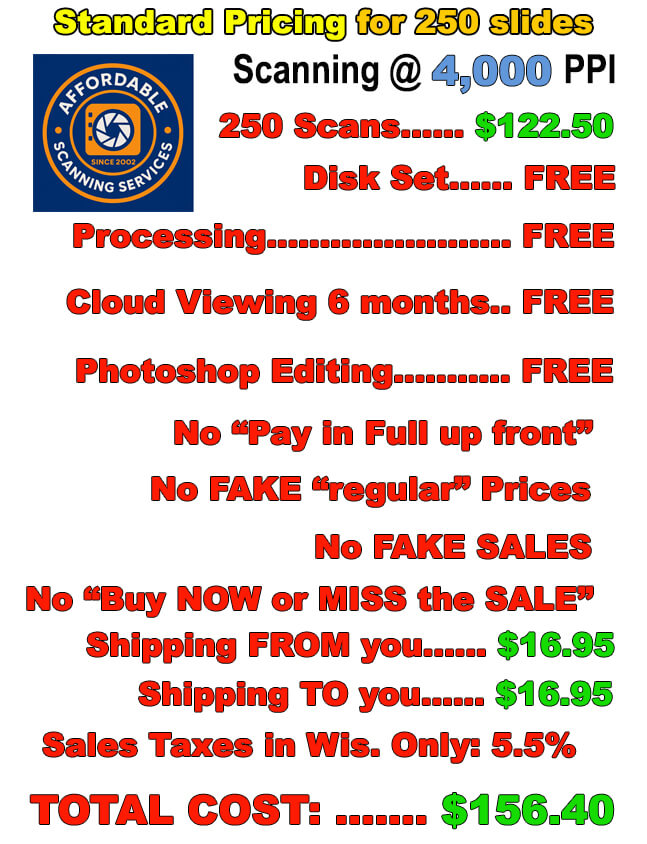
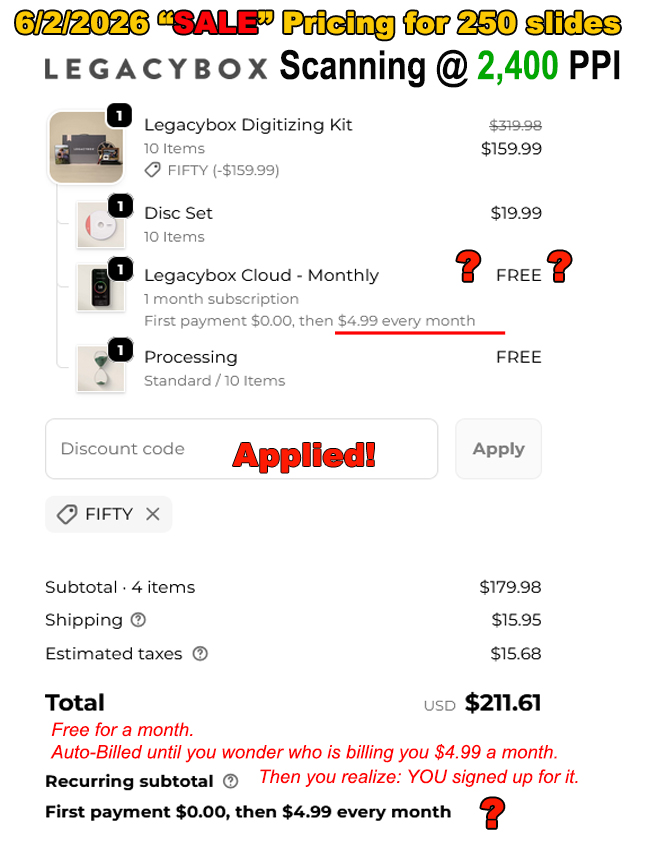
We think most customers are perfectly happy with our normal 4,000 ppi slide scanning resolution. The files are saved as JPG at a quality of 12 (on a 1–12 scale). File size will typically run from a very low of ~3 MB to more than 5 MB; if you need to fit more images per disc, we can save at slightly lower JPG quality, though we don’t recommend it for best results.
This image resolution is more than adequate for 99.9% of uses. If you don’t need huge enlargement prints, you’ll be completely satisfied with these images.
There are two terms in play—scanning resolution and final resolution. Standard 35mm slides are scanned at 4,000 ppi and saved at about 5,256 × 3,544 pixels (≈18.6 MP) at JPG quality 12. This is a high-quality scan suitable for most uses other than very large poster-size printing.
Why not try our free sample scan and demo disk offer and see exactly what you’ll get?
About terms: “ppi” (pixels per inch) is technically correct for digital image resolution; “dpi” (dots per inch) is a printer term for how many ink/laser dots a device places per inch on paper. Many people use “dpi” when they really mean “ppi.”
Ready to digitize slides, negatives, or photos? Our high-resolution scans make printing and sharing easy.
Start Your Order